





Let shoppers choose their market
Add a Market Dropdown for country and currency selection, or use a Market Button for a specific country. Style the labels, flags, menu, and selected state in Framer. The available choices come from your configured Shopify markets; Shopiframe surfaces that setup in the storefront.
Keep the current market visible
Use Active Market to show the selected country and currency where shoppers need context. Choose a country name, currency code, or combined format. A visible market label helps explain the current experience without relying on visitors to reopen the selector to check their choice.

Tailor the message to the audience
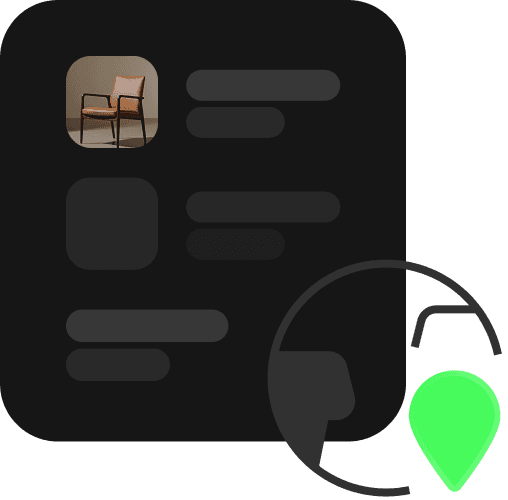
Use Market Content to show or hide a Framer component based on the active country. Present a market-specific message or editorial block without creating a separate storefront layout. Conditional content and currency selection are separate from language translation; neither automatically translates the words on your site.
SET UP YOUR WORKFLOW
From setup to storefront
Configure markets in Shopify

Set up the markets you intend to serve in Shopify Admin, then choose the default market in the Shopiframe plugin. Review your Shopify configuration first.
Add and style market components
Place a selector and Active Market label in your design. Connect conditional content where a country-specific message is useful, keeping the experience clear and restrained.
Preview each market

Check the selector, active label, conditional content, and product context for each configured market. Regional prices and availability depend on Shopify settings, eligibility, and configuration.
QUICK ANSWERS